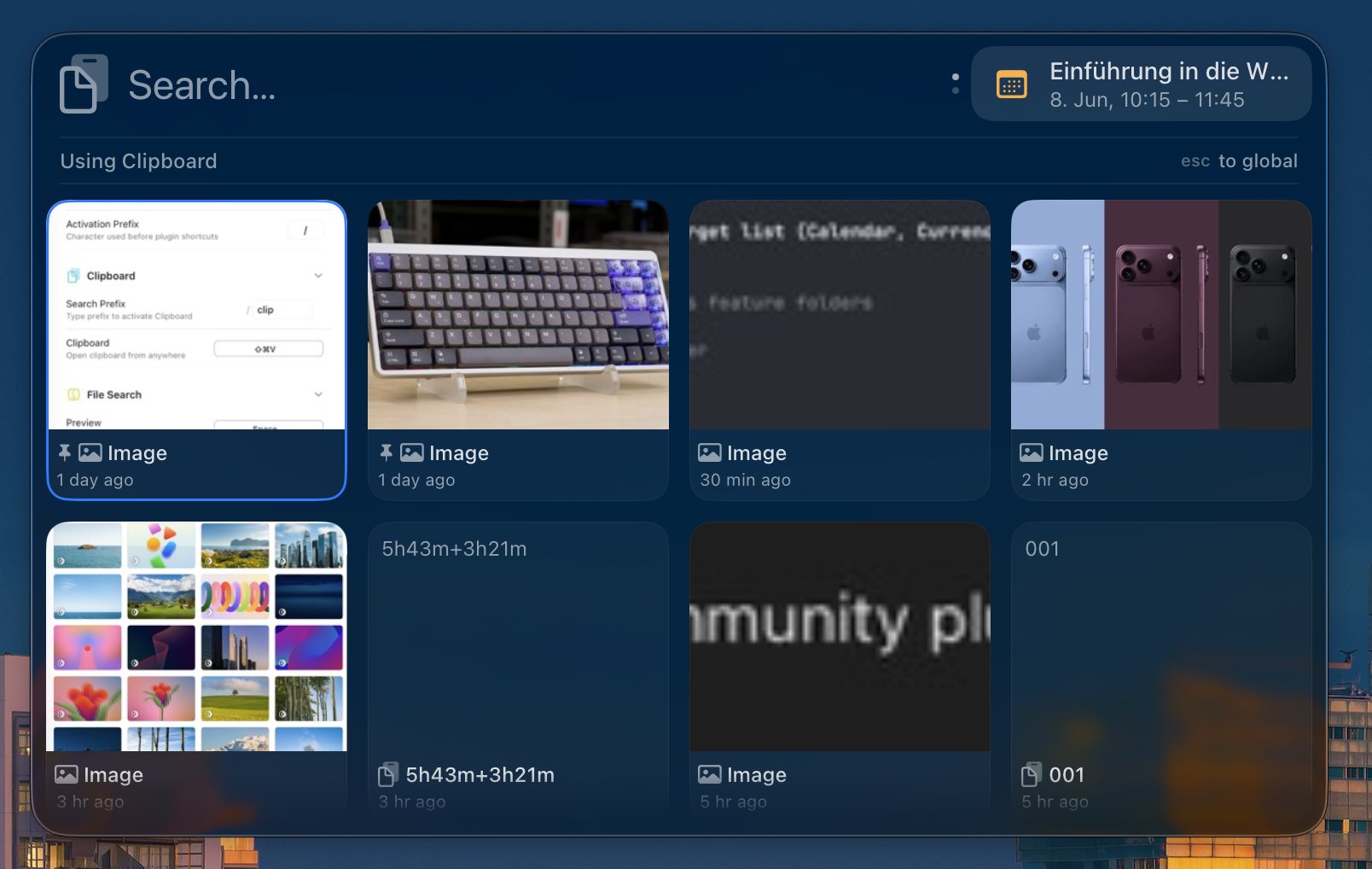
Added a Back to Top button in the clipboard gallery.
Added + and + to quickly jump between result sections.
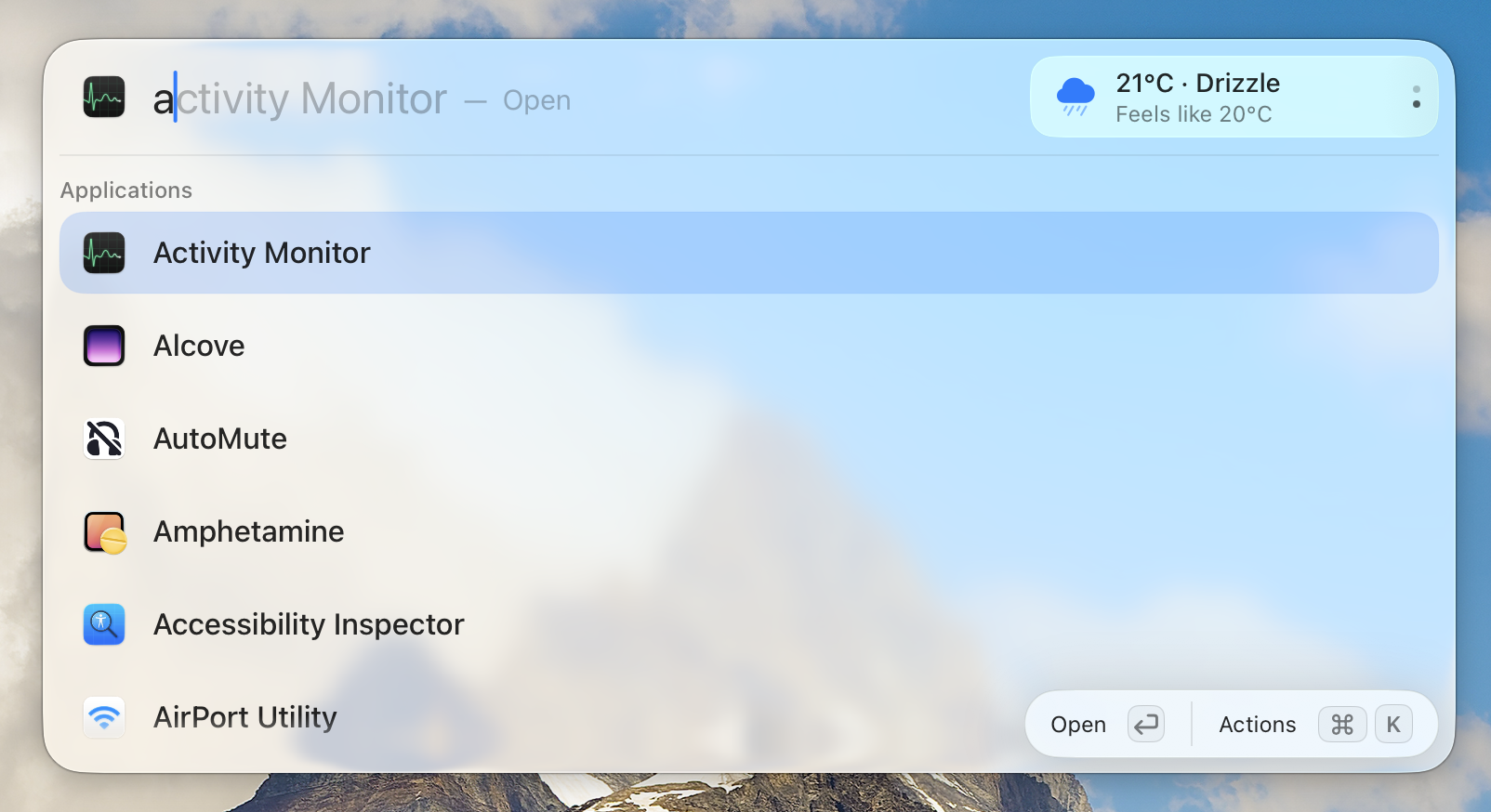
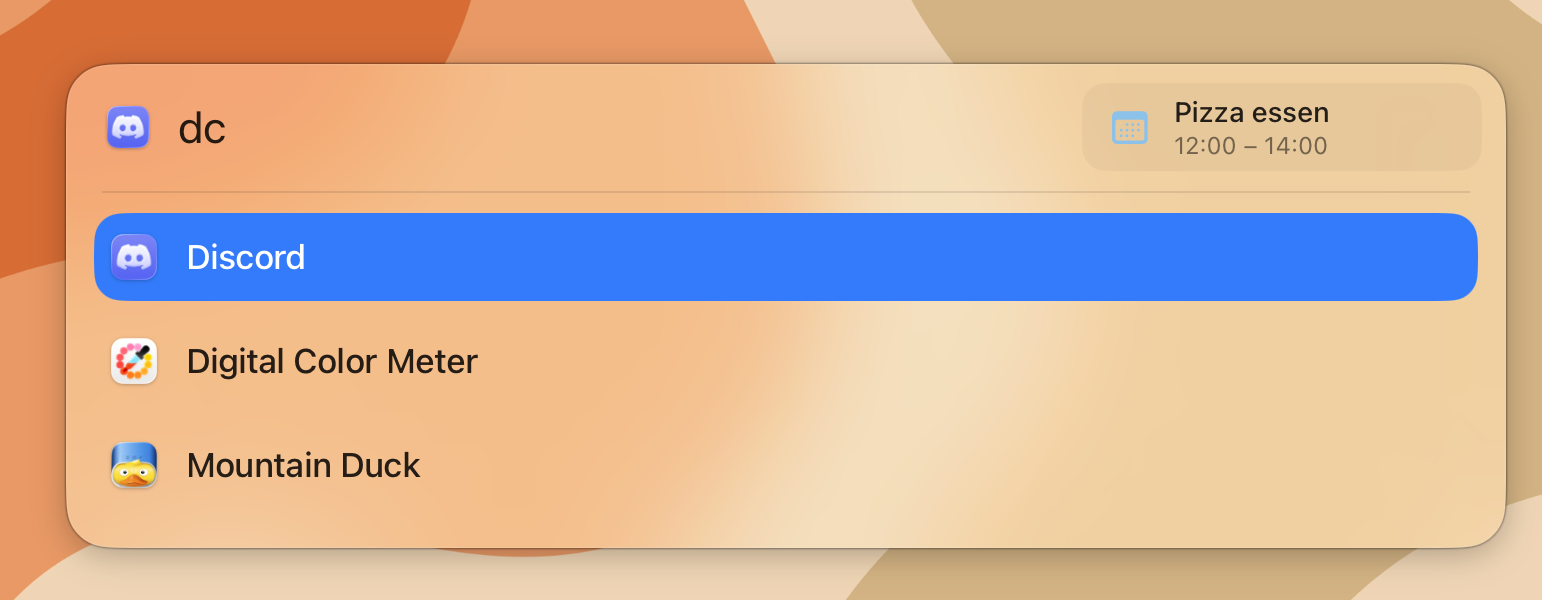
Added support for quitting applications directly from Kepler.
Added support for finding entries from macOS System Settings.
Added option to disable the active plugin row under Settings > Appearance
Changed
Redesigned the Settings menu to better match macOS System Settings.
Set Google as the default search engine for the Web Search plugin.
Made cycling through LookAhead results feel smoother.
Copying text that already exists in the clipboard history now moves it back to the front of the gallery.
Improved padding and spacing consistency across the app.
Fixed
Removed debounce that caused searches to feel delayed.
Fixed the alignment of “Open”.
Pressing Tab to cycle through LookAhead no longer triggers haptics.
PluginHost now automatically recovers after a crash. We are still investigating the root cause.
Fixed inline autocomplete not updating correctly when navigating with the arrow keys.
Fixed incorrect limits on the maximum clipboard item count.
Known Bugs
The Kepler panel glass can sometimes appear dark when placed in front of a dark background, even when the system is in light mode. We are working on a fix.
Plugins, clipboard, visual improvements, and bug fixes
Plugins
Kepler 0.5.0 introduces the first version of the new plugin system for community plugins.
This is still an early release, so you may run into bugs or rough edges. If you want to get started, take a look at the Plugin SDK.
We are aiming for plugins to basically have all options, that everything in Kepler has too.
We also created a few example plugins:
GitHub Issues: A basic plugin that shows an overview of your GitHub issues.
Their Time: A plugin that shows the local time of your peers.
There are already some community plugins by the awesome Flxw:
Chess Openings: Browse chess openings directly from Kepler.
Dictionary: Look up word definitions from online dictionaries.
Going further
Plugins are still quite basic, and installation is more manual than we would like. In the future, we plan to add a plugin store so users can easily discover, download, share, and review plugins for Kepler.
A more detailed blog post about plugins is also in the works.
Clipboard
Kepler now includes a built-in clipboard manager. It shows your recent clipboard history in a gallery-style view, making it easy to browse copied text, images, and snippets.
You can open the clipboard by typing clip or by using the default shortcut +⇧+V.
Notable Features
Pinning: Pin important clipboard entries to keep them at the top. Pinned entries are not removed when the clipboard reaches its size limit, which is 200 items by default. Use +P to pin an entry.
Multi-select and insert: Use +S to select multiple clipboard entries. Press to insert all selected entries into the previously focused window.
Added
Plugins and Plugin SDK
Built-in clipboard manager
Gallery-style view for clipboard entries and plugins
Drag and drop support for File Search results
Web Search plugin
AppleScript execution support, including support for plugins
Weather plugin in Lookahead
Changed
Completely redesigned the settings UI
Improved Lookahead settings
Resolved views, such as translations and conversions, are now shown inline alongside other results instead of taking over the whole view
Rewrote AppIndex/FileIndex in Swift
Fixed
License settings now show the masked email instead of unknown
Fixed padding issues around the app
Fixed incorrect icon sizes
Known Bugs
The Kepler panel glass can sometimes appear dark when placed in front of a dark background, even if the system is in light mode. We are working on a fix.
File Search, Expression Evaluation, Aliases, a smaller launcher window, and major performance improvements.
This update brings major performance improvements, a smaller launcher window, and two big new integrations: File Search and Expression Evaluation.
File Search
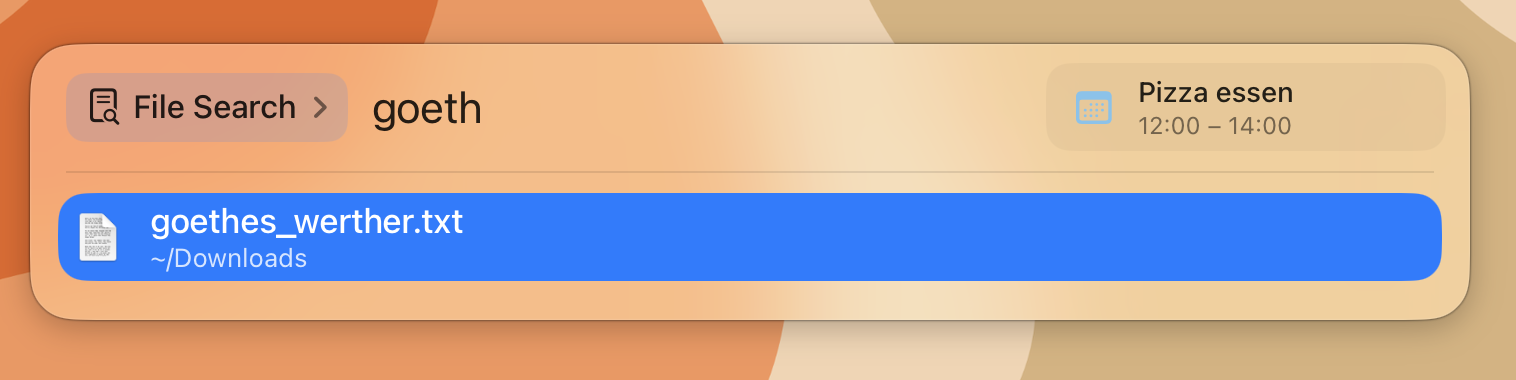
Kepler can now search your files directly from the launcher.
Important: File Search must be enabled first in Settings > File Search.
You can open File Search by typing file search in Kepler, or by assigning it as your default shortcut under Settings > Shortcuts.
By default, Kepler only indexes ~/Documents. You can add more folders in the File Search settings. You can also exclude files or directories you do not want indexed. Regex patterns are supported.
Kepler includes sensible defaults to avoid indexing heavy folders like node_modules and .git.
Expressions
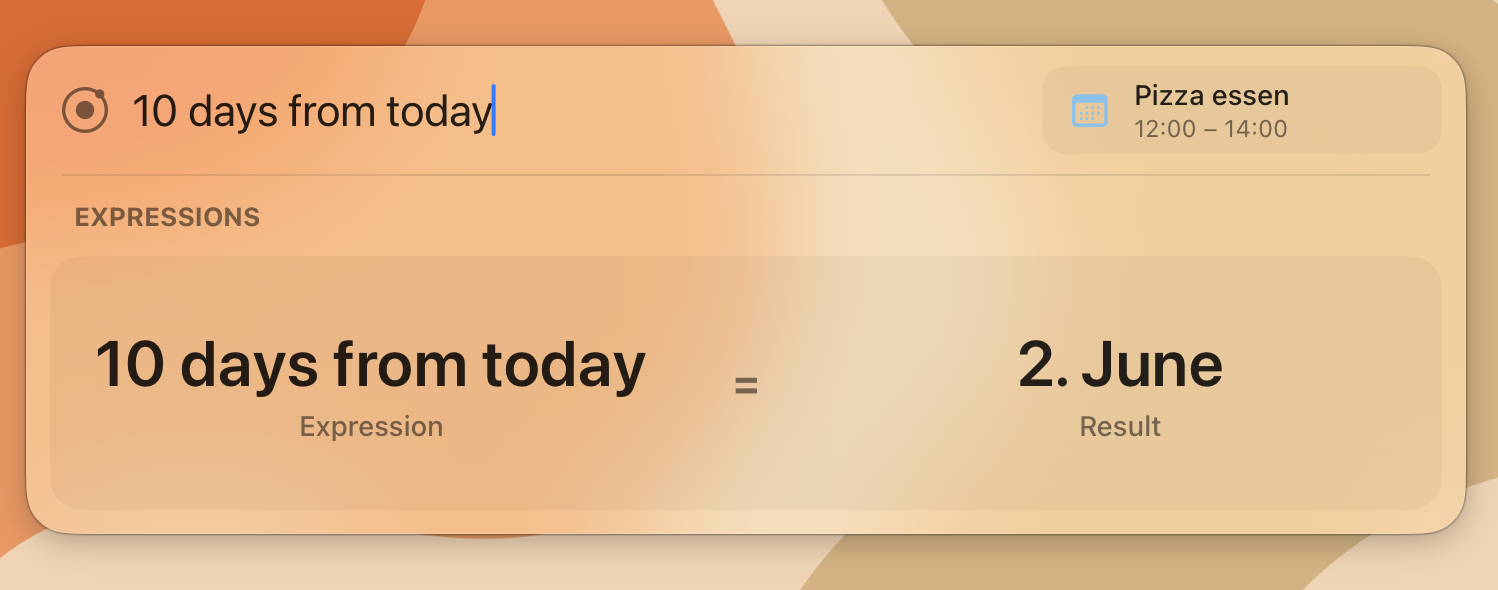
Kepler now integrates the excellent Soulver Core, allowing you to evaluate expressions directly in the launcher.
From basic calculations to complex equations, unit conversions, and date/time calculations - just start typing and Kepler will show the result.
Aliases
Aliases let you launch your favorite apps even faster.
They work like shortcuts on top of Kepler’s fuzzy search and can be configured in Settings > Search.
Detailed Changelog
Added
File Search plugin
Expressions plugin powered by Soulver Core
Search aliases
Option to enable or disable the expand animation
Ability to drag the Kepler window and snap it back to the default position using guidelines
Settings for default input and output languages in Translation
Changed
Migrated to a custom keyboard shortcut implementation for better UI integration
Improved the License page UI
Made the Kepler launcher window much smaller
Separated settings for each plugin and feature
Fixed
Fixed jumping border radius when entering the first character