Kepler 0.4.3 - File Search, Expressions & More
File Search, Expression Evaluation, Aliases, a smaller launcher window, and major performance improvements.
This update brings major performance improvements, a smaller launcher window, and two big new integrations: File Search and Expression Evaluation.
File Search
Kepler can now search your files directly from the launcher.
Important: File Search must be enabled first in Settings > File Search.
You can open File Search by typing file search in Kepler, or by assigning it as your default shortcut under Settings > Shortcuts.
By default, Kepler only indexes ~/Documents. You can add more folders in the File Search settings. You can also exclude files or directories you do not want indexed. Regex patterns are supported.
Kepler includes sensible defaults to avoid indexing heavy folders like node_modules and .git.
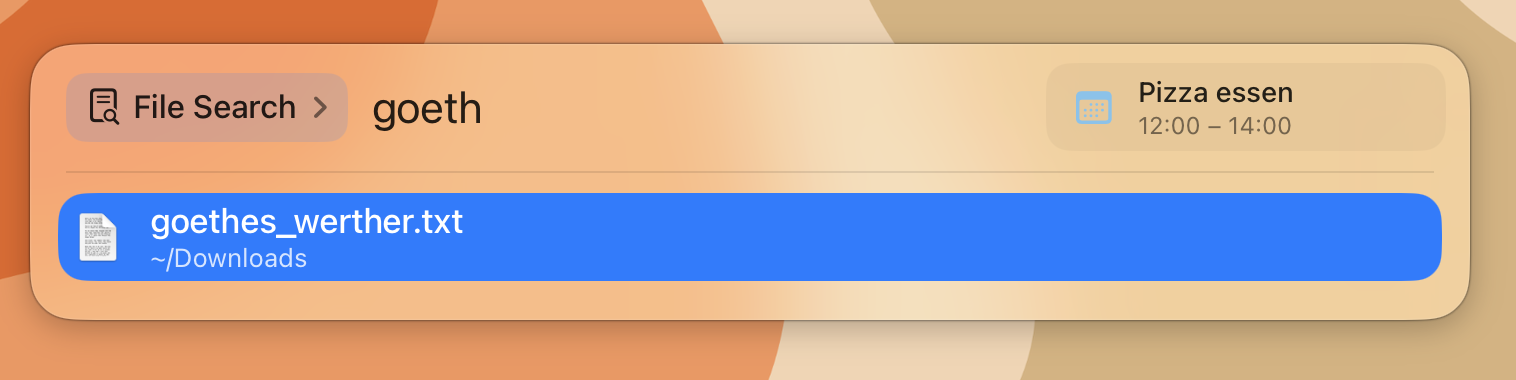
Expressions
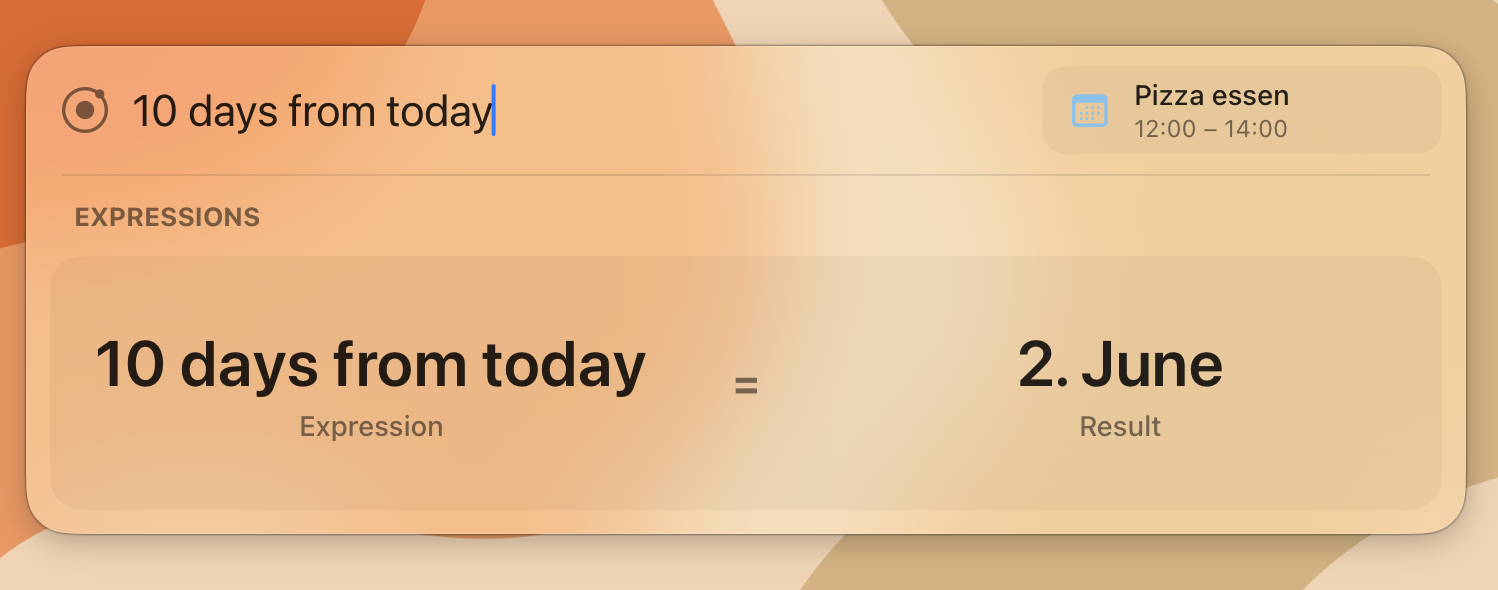
Kepler now integrates the excellent Soulver Core, allowing you to evaluate expressions directly in the launcher.
From basic calculations to complex equations, unit conversions, and date/time calculations - just start typing and Kepler will show the result.
Aliases
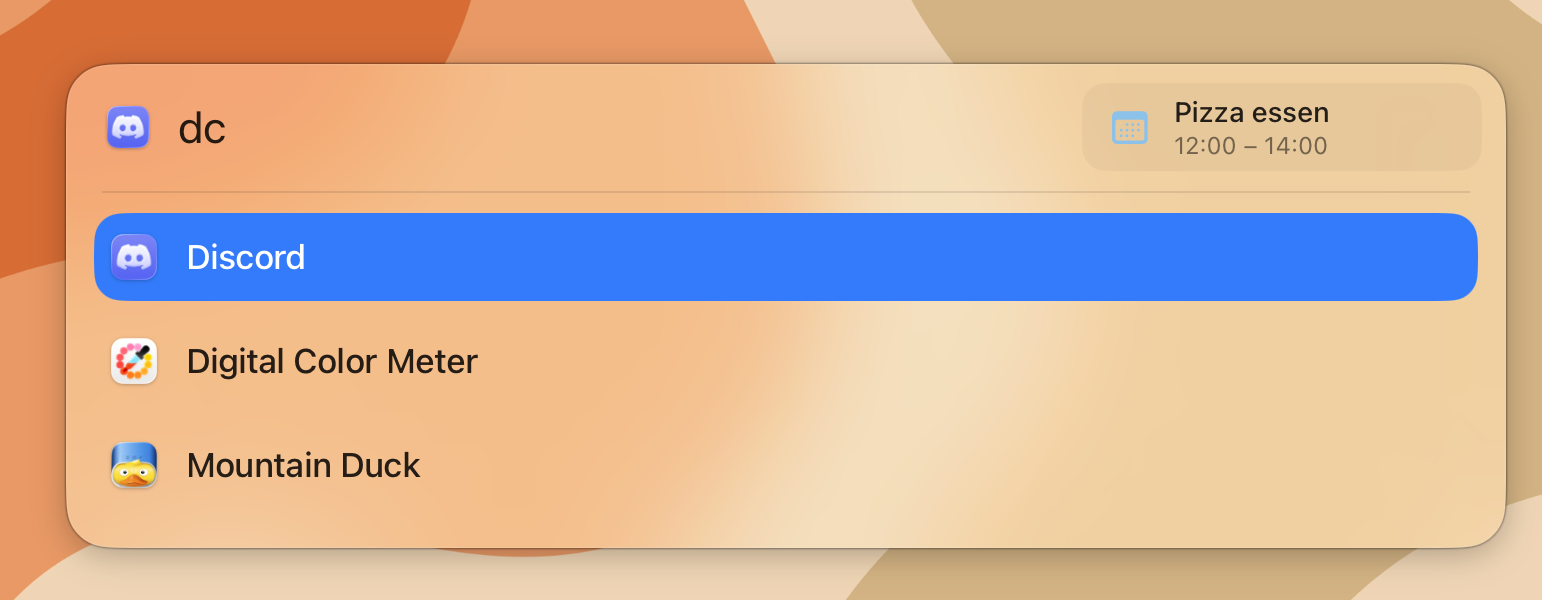
Aliases let you launch your favorite apps even faster.
They work like shortcuts on top of Kepler’s fuzzy search and can be configured in Settings > Search.
Detailed Changelog
Added
- File Search plugin
- Expressions plugin powered by Soulver Core
- Search aliases
- Option to enable or disable the expand animation
- Ability to drag the Kepler window and snap it back to the default position using guidelines
- Settings for default input and output languages in Translation
Changed
- Migrated to a custom keyboard shortcut implementation for better UI integration
- Improved the License page UI
- Made the Kepler launcher window much smaller
- Separated settings for each plugin and feature
Fixed
- Fixed jumping border radius when entering the first character
- Fixed separated background appearance in Settings